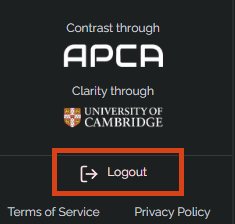
To ensure your project security, it is suggested that you log out at the end of each session. To log out, please find the 'Logout' button in the bottom left of the RHINO screen.
Was this article helpful?
That’s Great!
Thank you for your feedback
Sorry! We couldn't be helpful
Thank you for your feedback
Feedback sent
We appreciate your effort and will try to fix the article