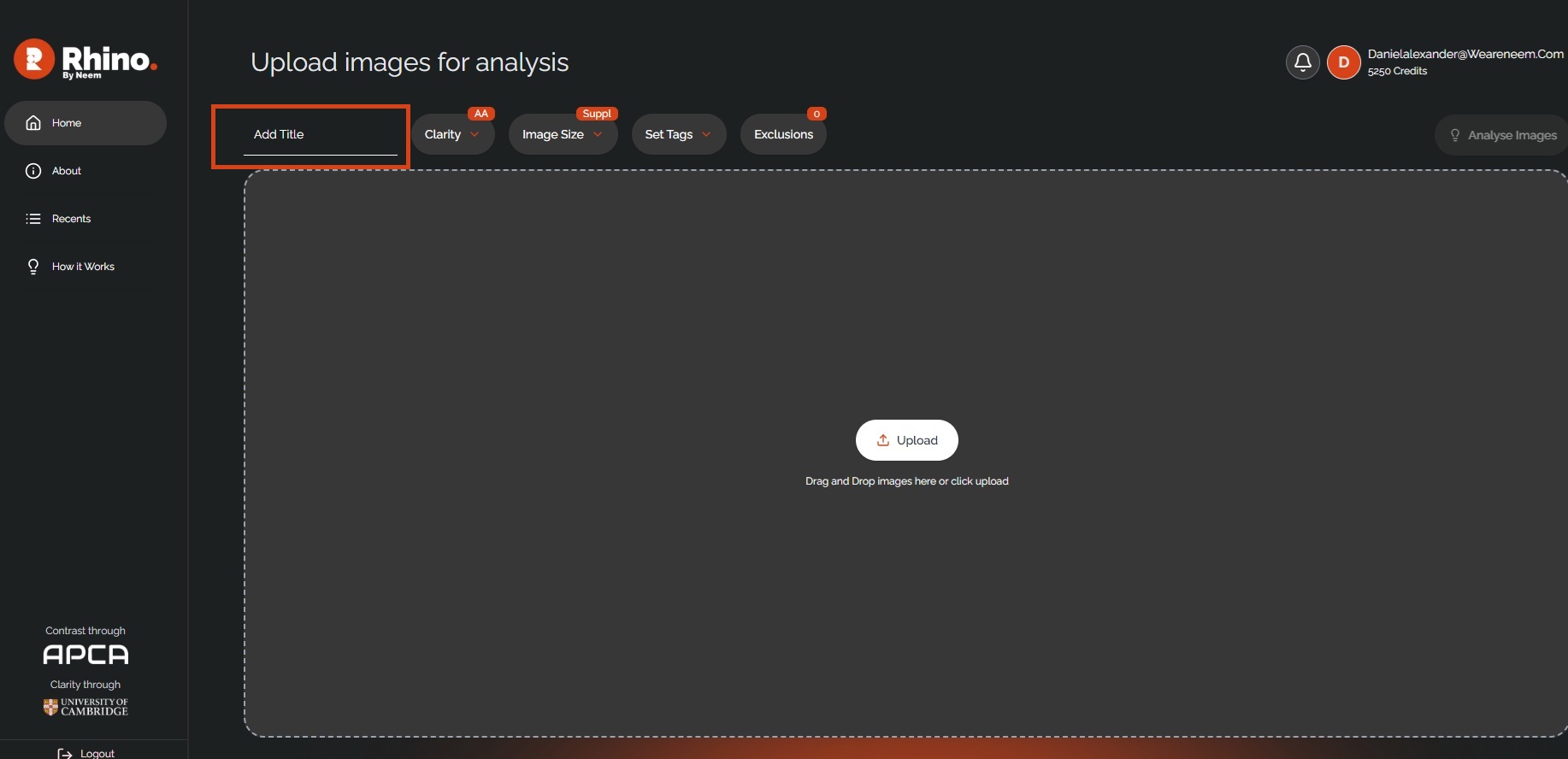
When you first log in to RHINO, you will see this screen.

This is your home screen where you will be able to upload images, analyse images, access recent projects, and see your account credits.
To create a new project, simply input the project name into the 'Add Title' field and begin to upload images.
The project will be saved once you analyse your images.
Was this article helpful?
That’s Great!
Thank you for your feedback
Sorry! We couldn't be helpful
Thank you for your feedback
Feedback sent
We appreciate your effort and will try to fix the article