To help keep projects and images organised, you can name your projects on RHINO very easily.
Naming a project can be done before starting a project, by filling in the 'Add Title' field before uploading any images.
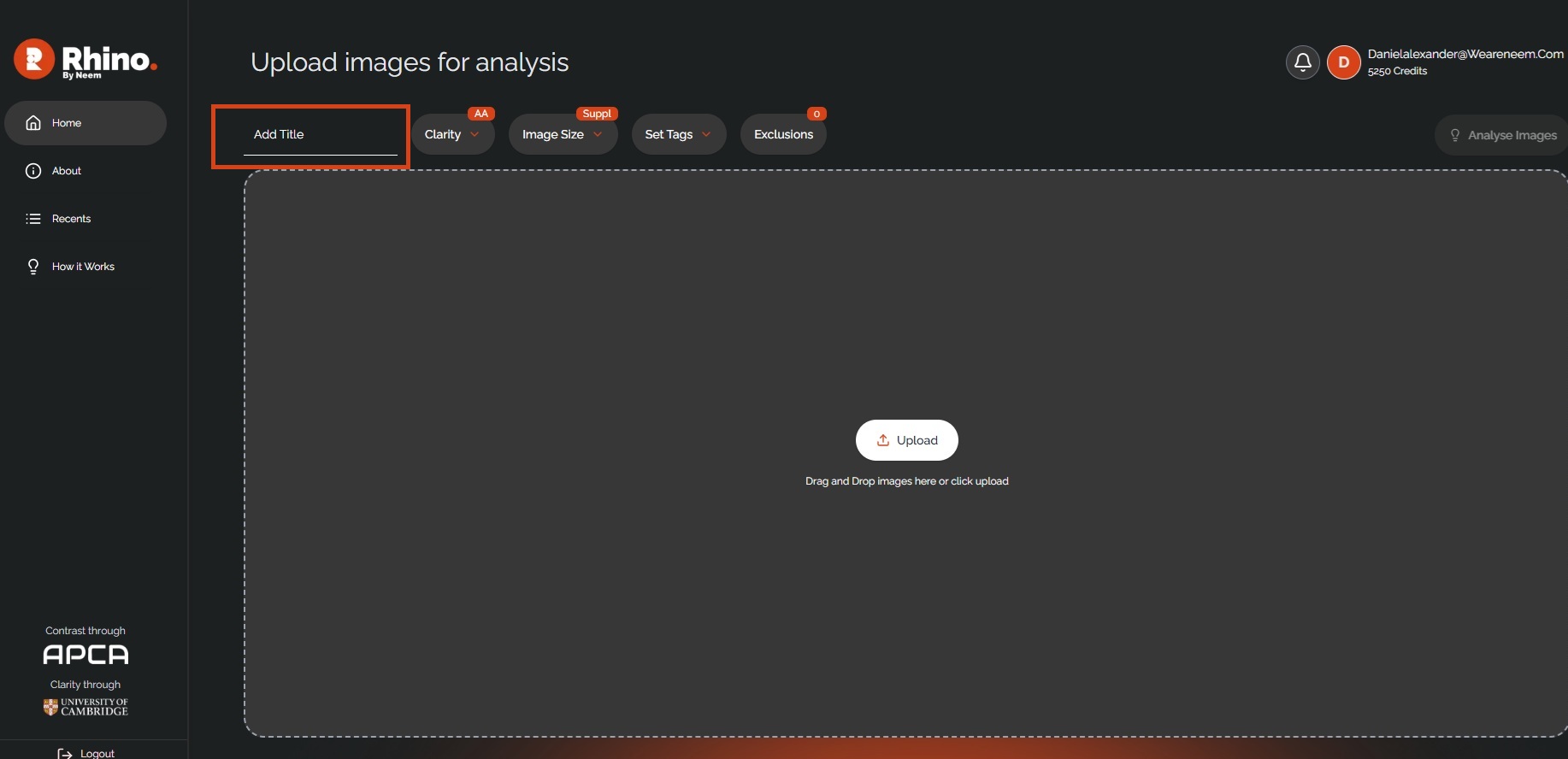
It can also be done after adding images by updating the 'Name' field and hitting the green + symbol.
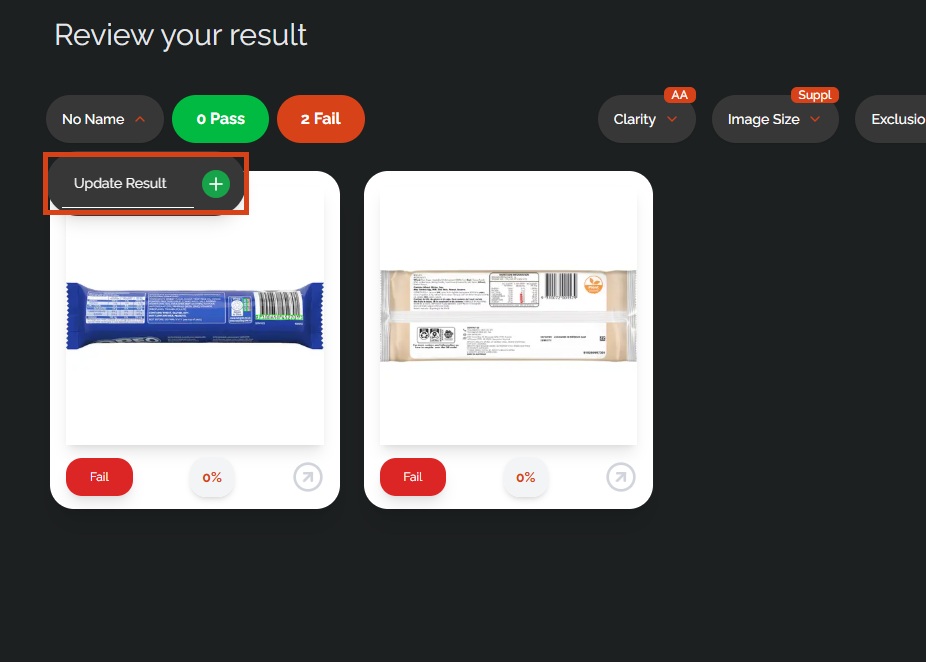
Within a project, you can filter your images by 'pass' or 'fail', allowing you to quickly see which images are ready for use, and which still need more work.
Was this article helpful?
That’s Great!
Thank you for your feedback
Sorry! We couldn't be helpful
Thank you for your feedback
Feedback sent
We appreciate your effort and will try to fix the article