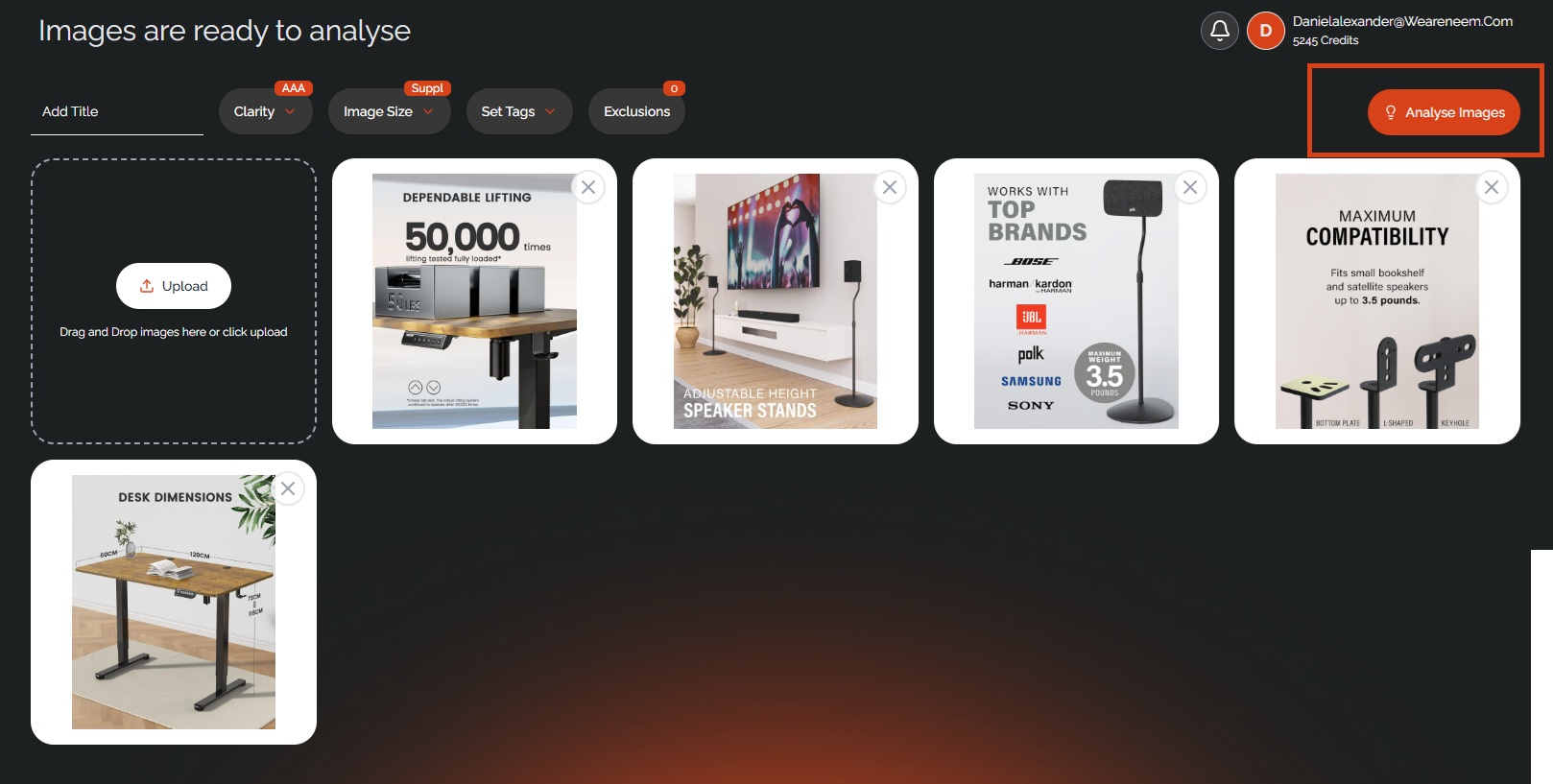
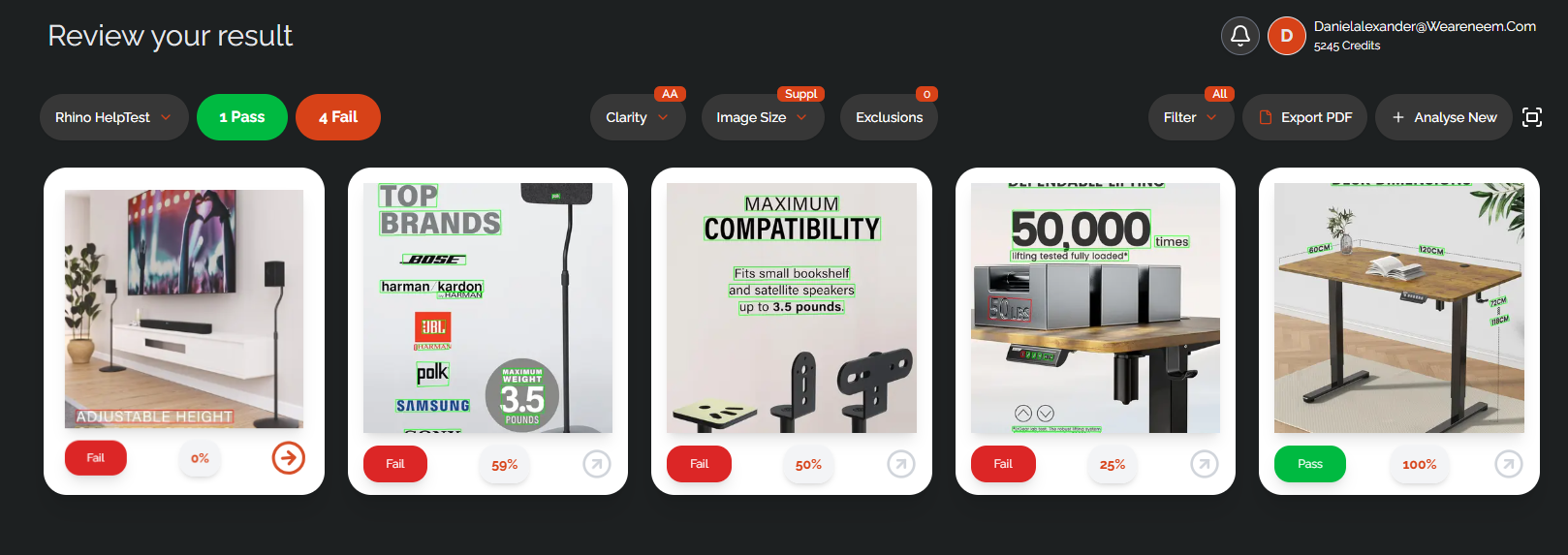
To run your first image analysis with RHINO, simply upload your images, name your project, choose the required size and clarity for analysis, and hit the 'Analyse Images' button.
Was this article helpful?
That’s Great!
Thank you for your feedback
Sorry! We couldn't be helpful
Thank you for your feedback
Feedback sent
We appreciate your effort and will try to fix the article