There may be occasions where you need to analyse the same set of images with different settings. RHINO makes an allowance for this and you can change image clarity and image size within the results page of your project. Click on the relevant drop down menu and select the clarity or image size that you wish to test as.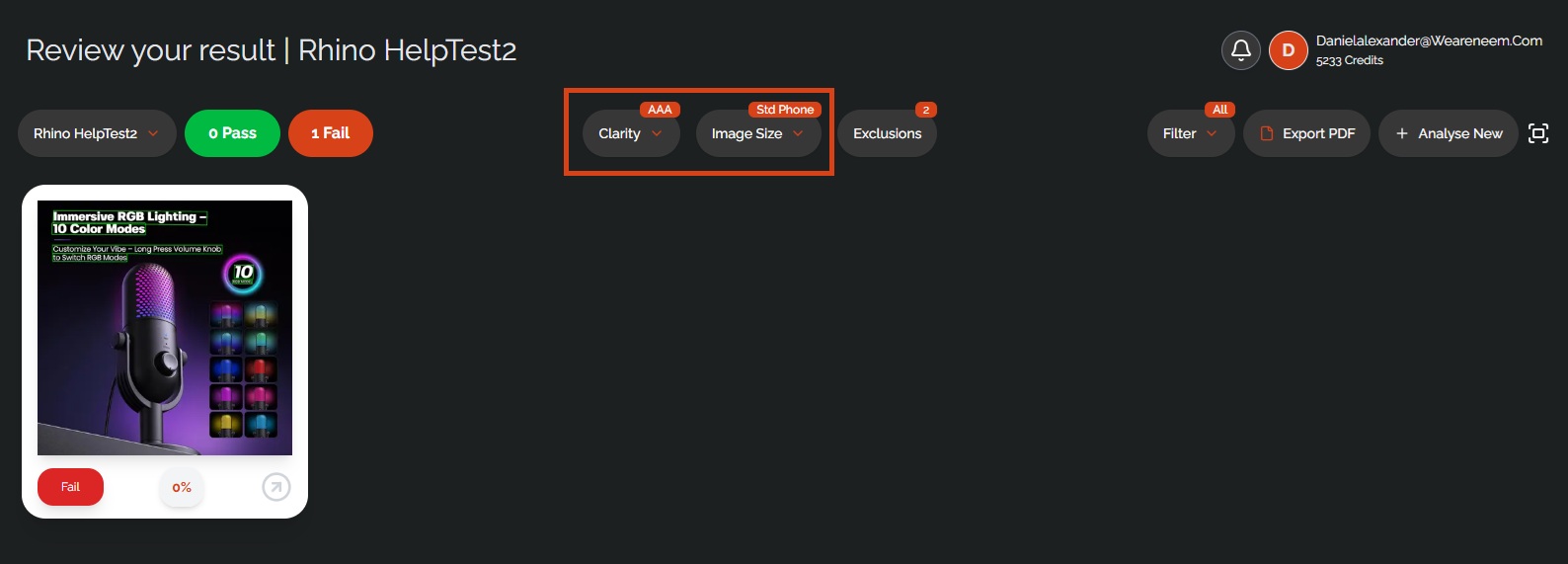
Was this article helpful?
That’s Great!
Thank you for your feedback
Sorry! We couldn't be helpful
Thank you for your feedback
Feedback sent
We appreciate your effort and will try to fix the article