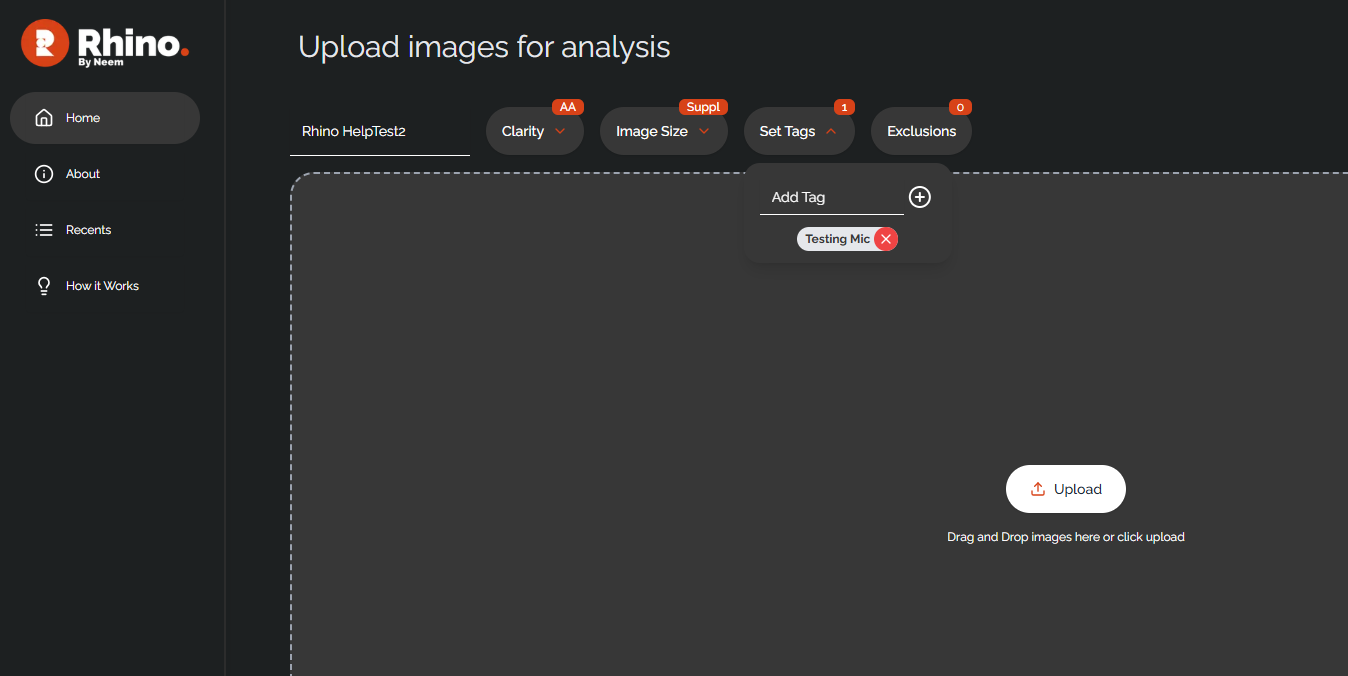
You can assign tags to images/projects which can then be used to search and sort your recent projects. Assigning tags to a project is very straightforward but can only be done before analysis. Select the 'Set Tags' drop down menu and enter any tags you wish to assign to the project. All tags will be automatically assigned to all images in the project. Begin analysis to save the tags and the project. Note that old tags will need to be removed to avoid mistagging.

Afterwards, you can view your recent project through the 'Recents' tab and then use the search bar to search for tagged images. All images tagged will then show in the search results. Tag searching is case sensitive, so be sure to note the exact spelling for each tag.
Was this article helpful?
That’s Great!
Thank you for your feedback
Sorry! We couldn't be helpful
Thank you for your feedback
Feedback sent
We appreciate your effort and will try to fix the article