Exclusions allow you to ask RHINO to ignore certain texts that you know will fail but have to be included in the image. This is useful for pack shots that may have text on the fold/be illegible based on size and location, or images that have required text, watermarks or logos that will fail RHINO. Excluded words can only be added before analysis, to exclude words after analysis, check here.
Add words to the exlcusions list using the 'Exclusions' button.
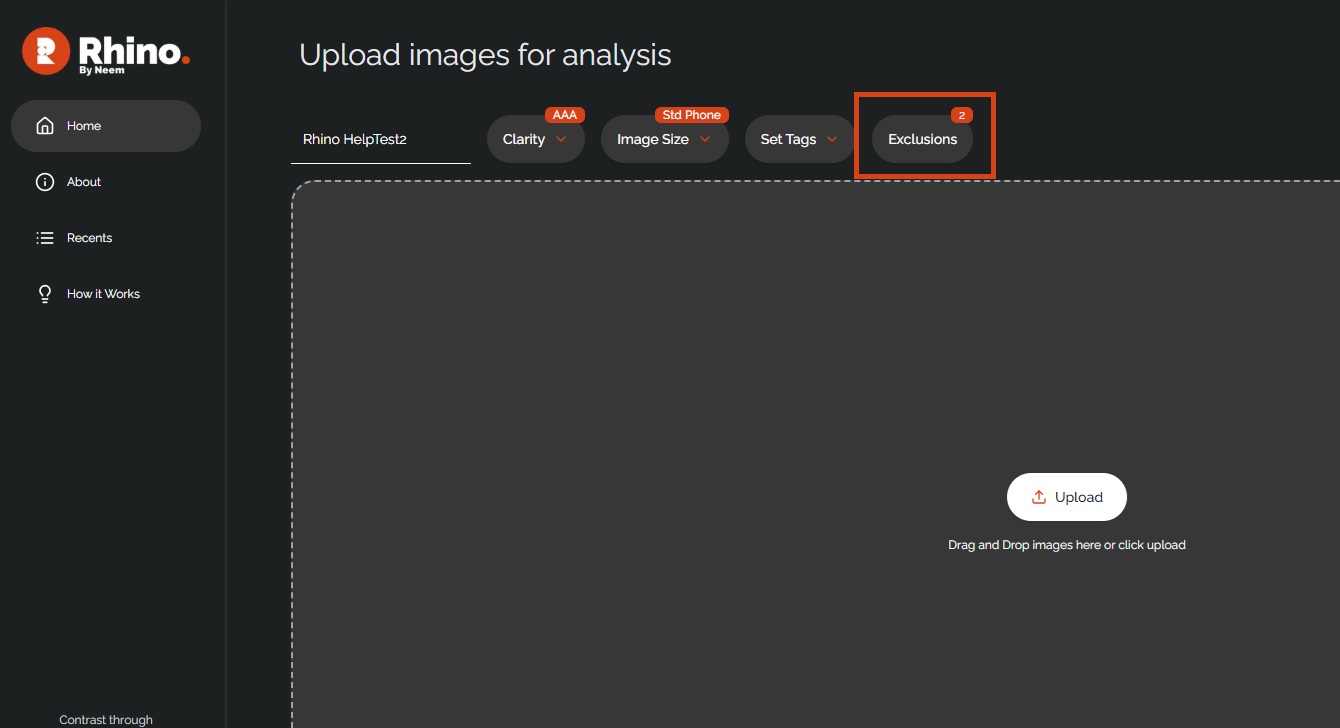
This will open up a separate input panel which will show all words that have been listed for exclusion from analysis.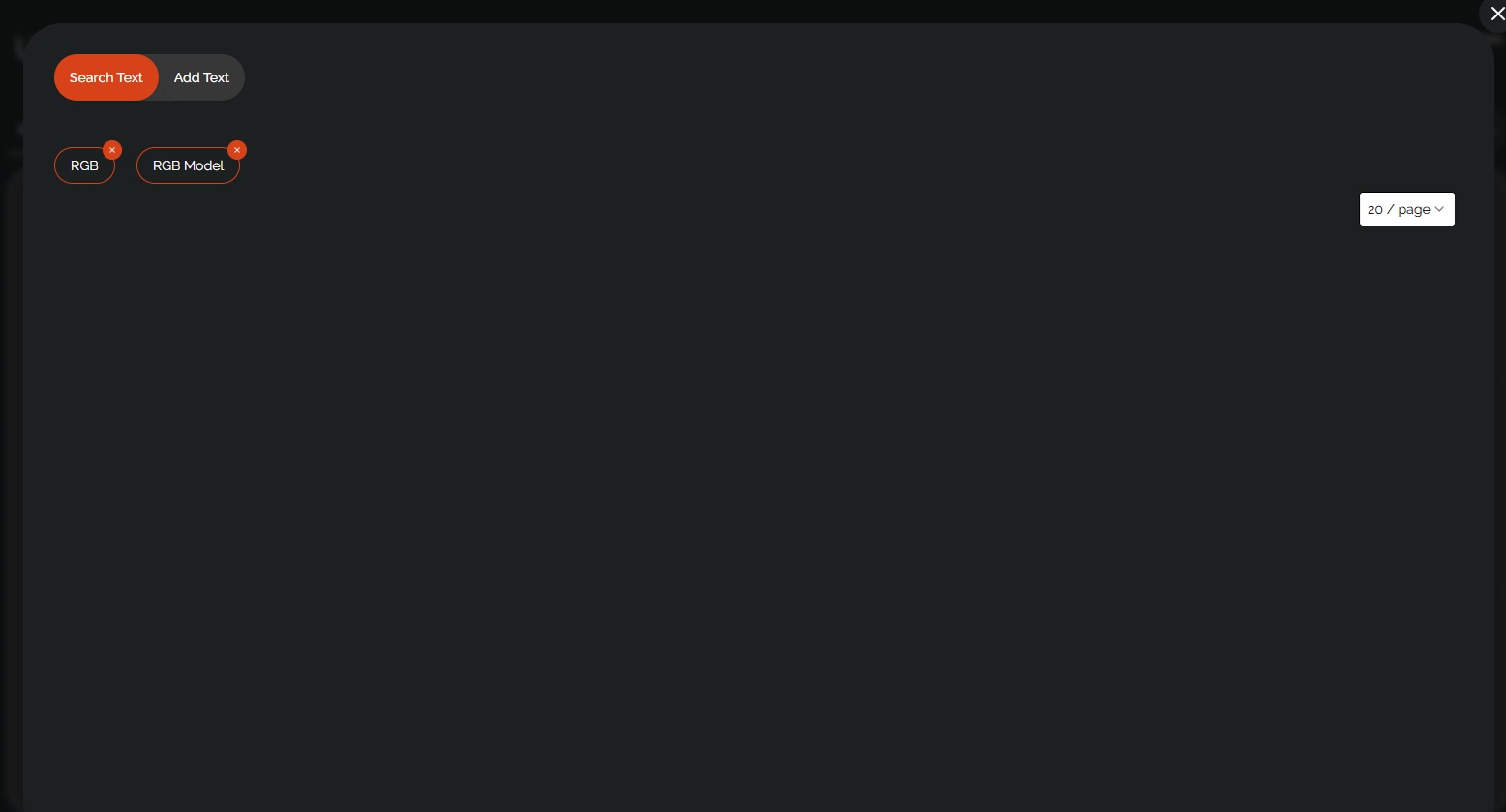
To exclude more words/phrases, click on the 'Add Text' tab and input your required exclusions.

Was this article helpful?
That’s Great!
Thank you for your feedback
Sorry! We couldn't be helpful
Thank you for your feedback
Feedback sent
We appreciate your effort and will try to fix the article