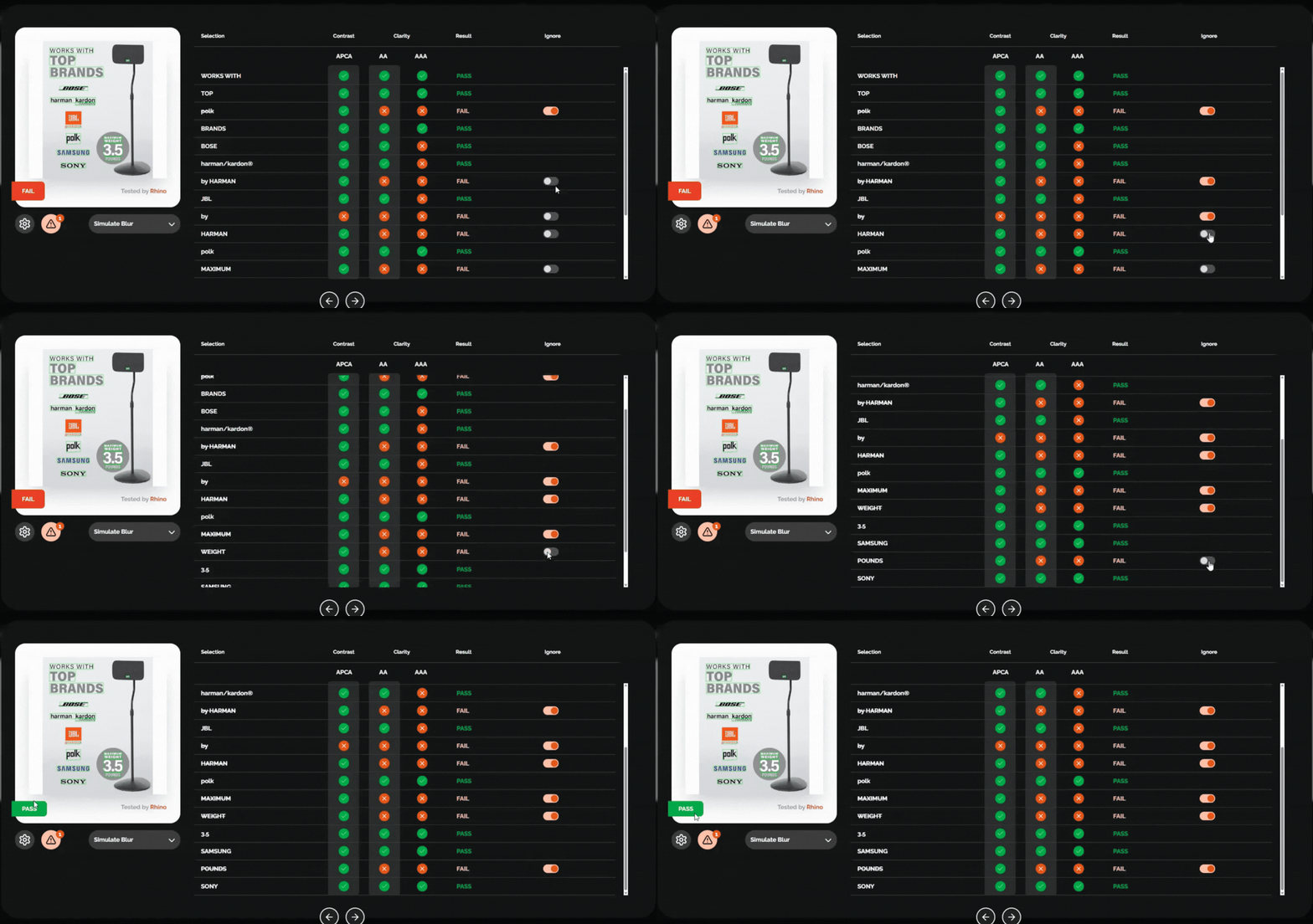
Occasionally, after analysing your images, you may spot text that you wish to exclude from your results. This can be done within the results screen by switching the 'Ignore' toggle on the relevant text. As you can see in the image below, if you were to ignore all failing text, you would see the analysis change to a pass. This is only worth doing when text that cannot be removed should be ignored, ignoring all fails undermines RHINO's results.
Was this article helpful?
That’s Great!
Thank you for your feedback
Sorry! We couldn't be helpful
Thank you for your feedback
Feedback sent
We appreciate your effort and will try to fix the article