Setting clarity levels is very simple. It can be done either before running the analysis, or you can switch between clarity levels after analysis to see the difference. Simply select the dropdown menu that shows 'AA' and choose between AA or AAA clarity.
Before running analysis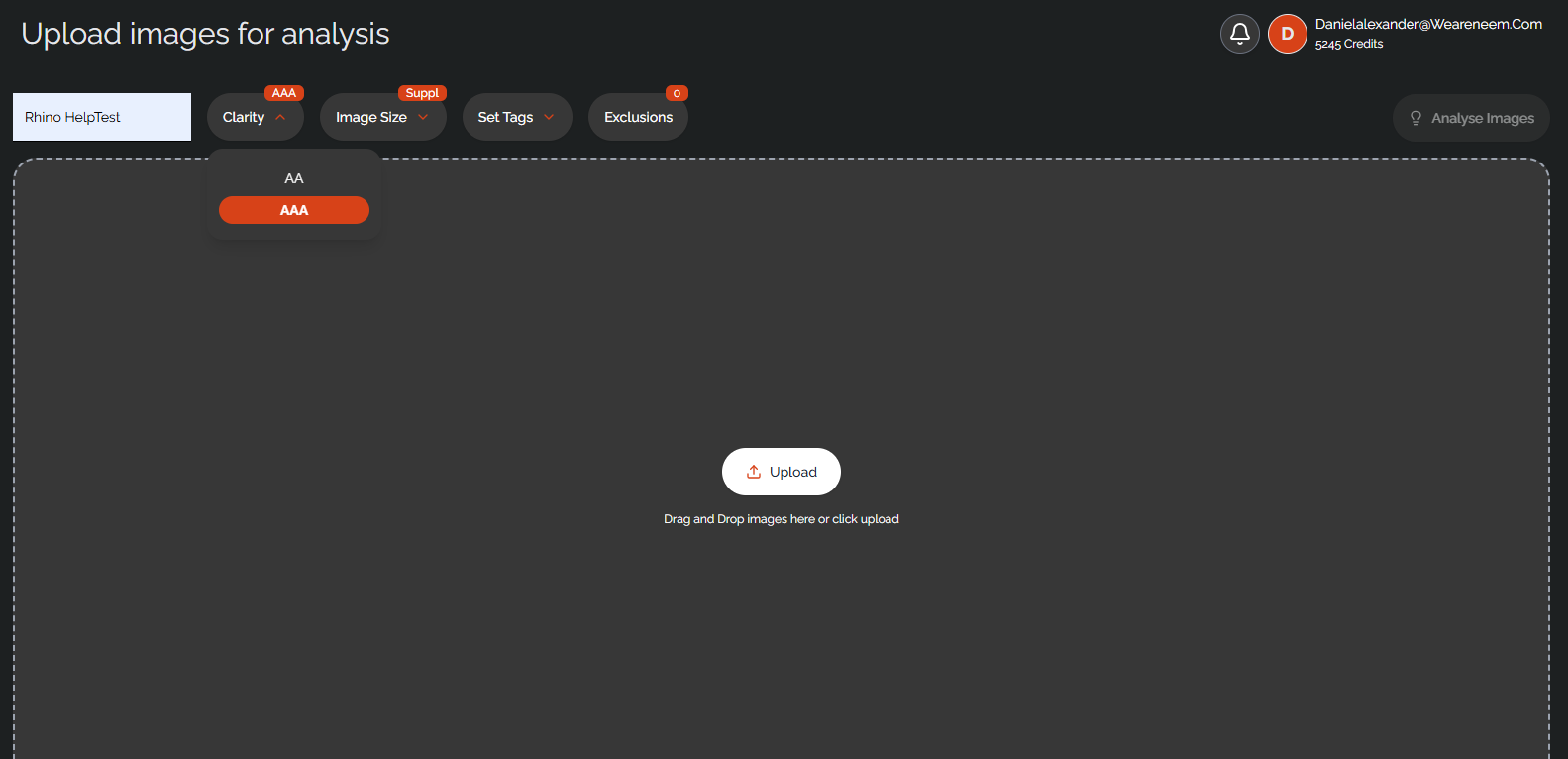
After running analysis
Was this article helpful?
That’s Great!
Thank you for your feedback
Sorry! We couldn't be helpful
Thank you for your feedback
Feedback sent
We appreciate your effort and will try to fix the article