In order to analyse images, you'll first need to upload them.
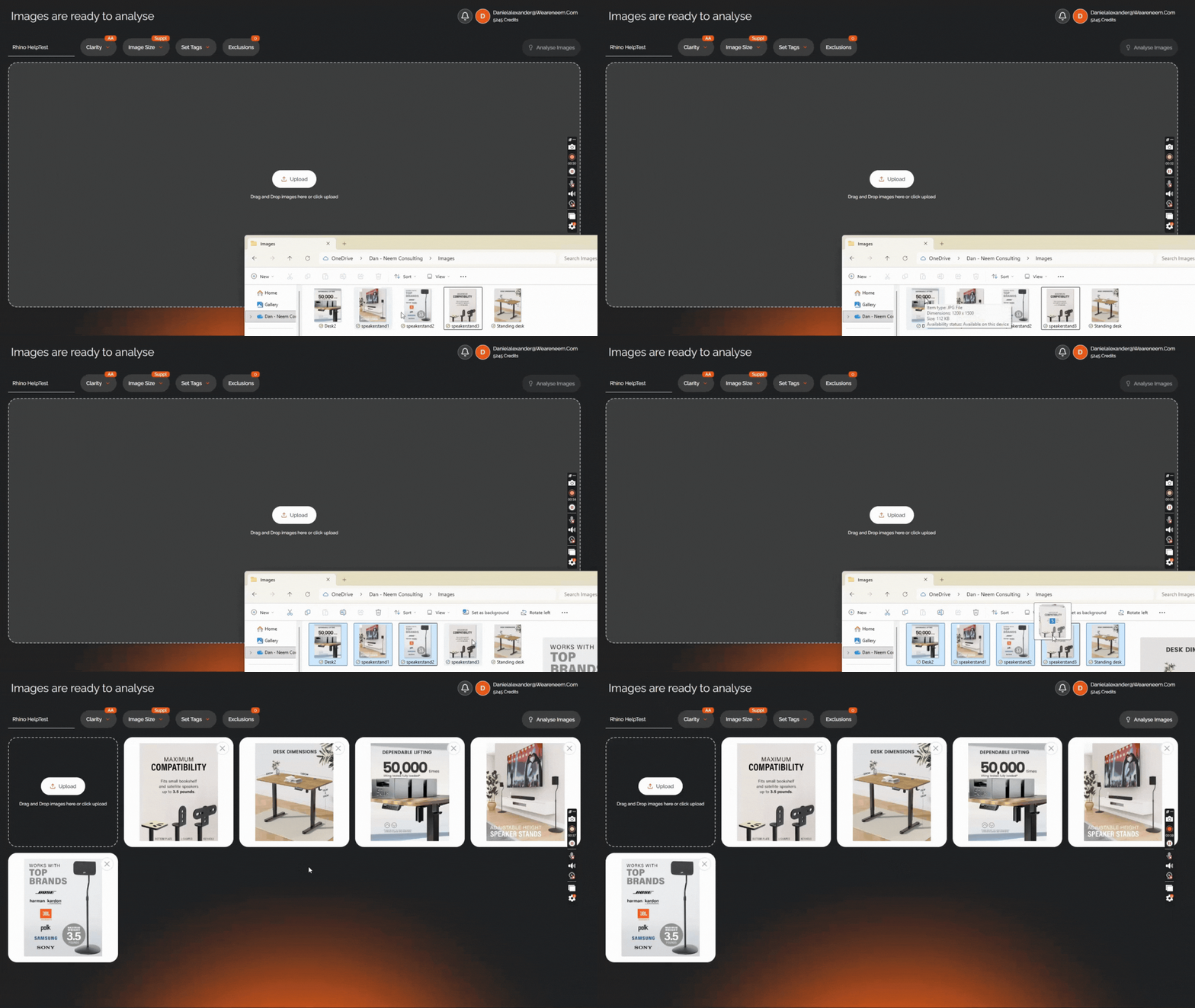
There are two easy ways to do so, firstly you can click on the 'Upload' button in the middle of the screen which will allow you to view your files and choose the images you want.
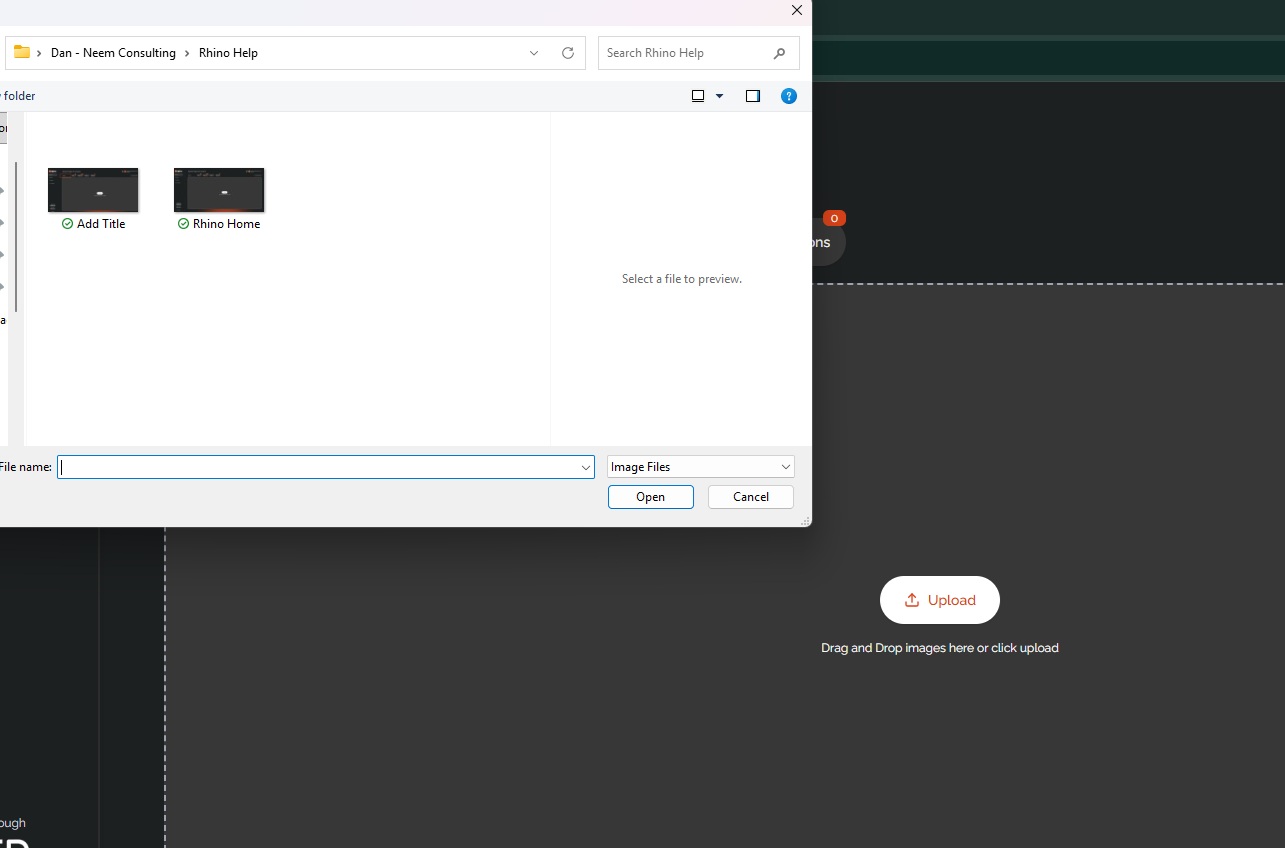
Or you can use your file program and drag and drop the files into the upload space.
If you wish to add images to an already established project, you can. Head to your project and click the 'Upload Images' button at the bottom of the screen. Then follow the same steps as above.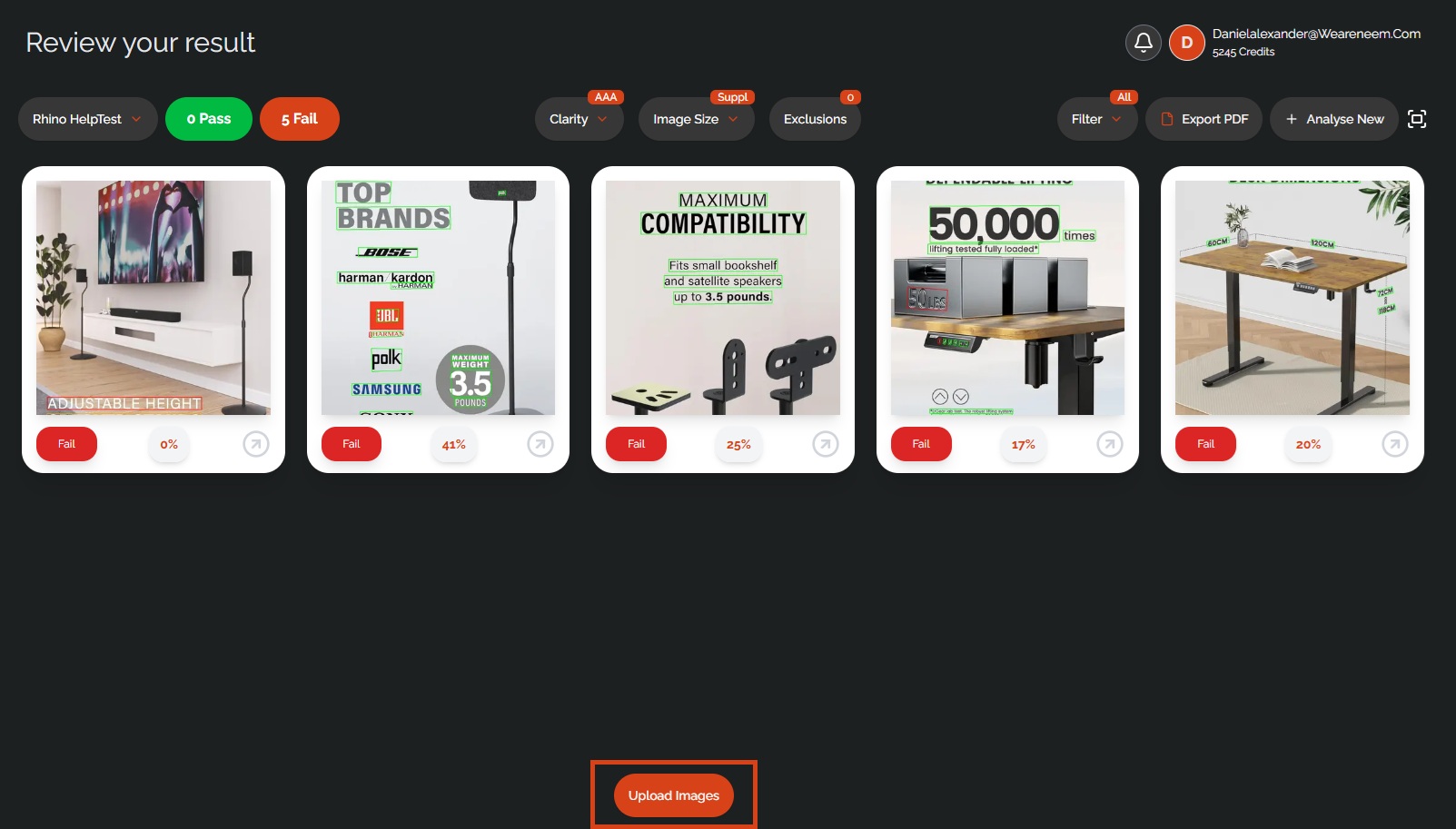
Was this article helpful?
That’s Great!
Thank you for your feedback
Sorry! We couldn't be helpful
Thank you for your feedback
Feedback sent
We appreciate your effort and will try to fix the article