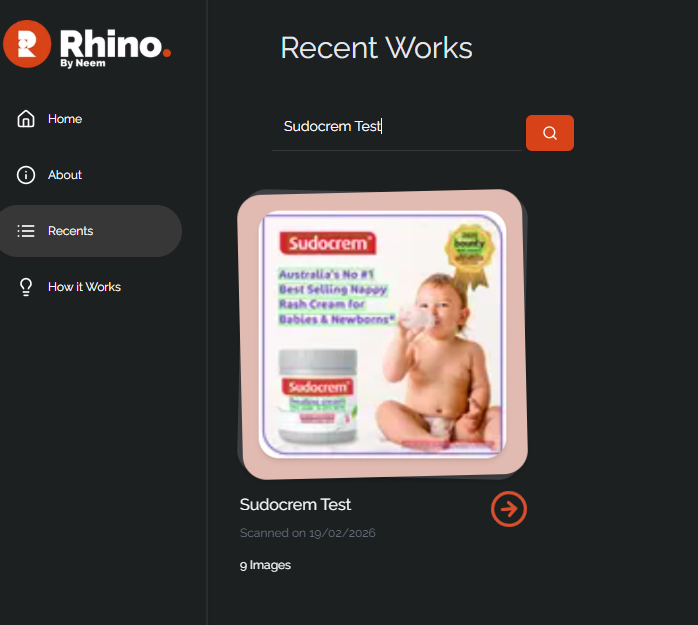
When accessing the Recent tab, you will see the full list of your recent image analyses. In order to search through these projects, you will need to have either named them, or tagged them. If your projects were not named or tagged, you can also filter your recent projects by date range..
If they have been named or tagged, enter the name or tag of a project you wish to search for and they will be shown in the search results.
Was this article helpful?
That’s Great!
Thank you for your feedback
Sorry! We couldn't be helpful
Thank you for your feedback
Feedback sent
We appreciate your effort and will try to fix the article